South Park OC Maker
A South Park OC maker for new townsfolk: pick age, hair, outfit, color and mood for a square cutout avatar. Your first three are free, no sign-up.
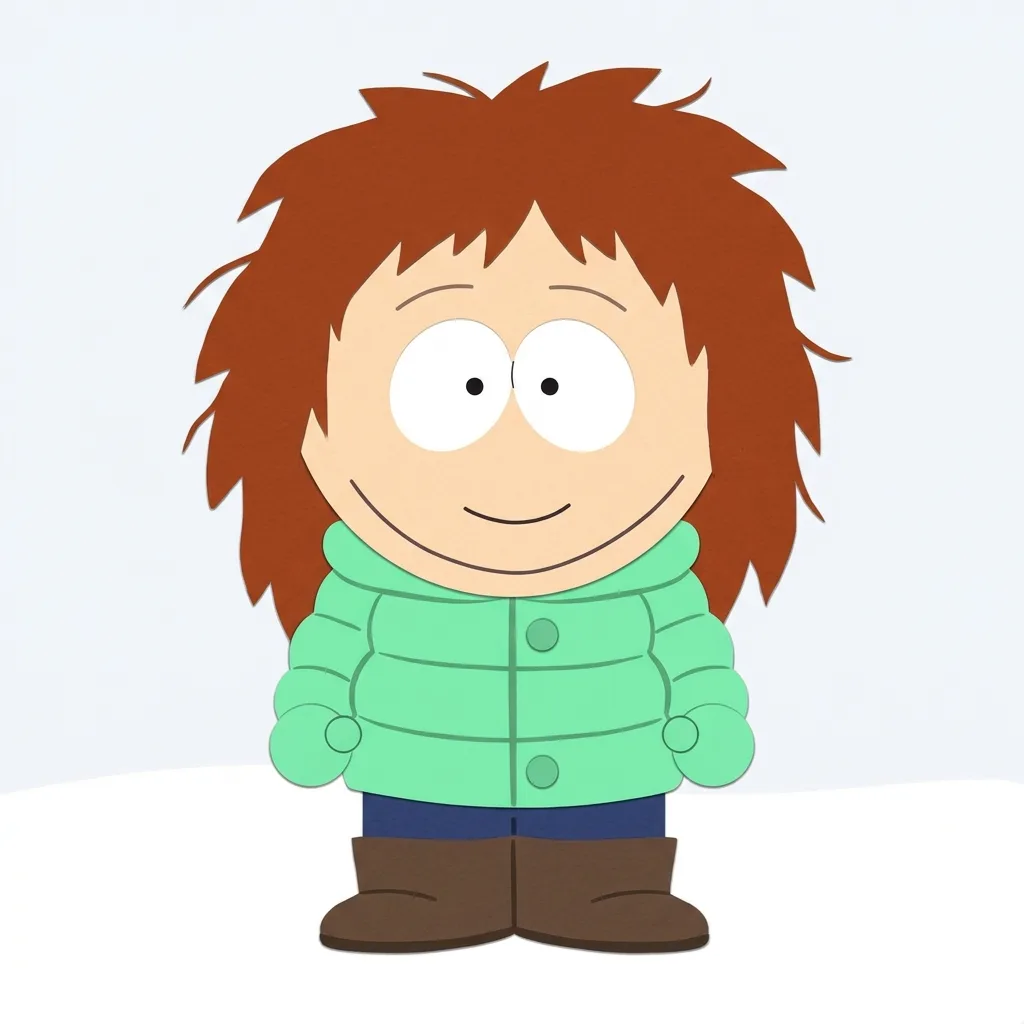
Example result. Pick your options to make yours.
Examples
How to make a South Park OC in three picks
Click through six rows, add a note if you like, and get one square image back.
- 1
Pick the look
Show Cutout aims for the flat construction-paper animation look. Paper Craft adds real paper texture and torn edges, like a handmade cutout.
- 2
Fill in the townsperson
Choose who it is (kid, adult or senior), the hair or hat, the outfit, the main color and the expression. Every row starts on a working default.
- 3
Generate and save
Add details in the optional note, up to 300 characters, and press generate. A 1:1 PNG appears in roughly 20 to 40 seconds; download it then.
What sets this South Park OC maker apart
No photo needed
This tool never asks for a selfie: the character comes from your picks and an optional note, nothing else.
Square and front-facing
The prompt asks for a 1:1 full-body figure facing you on a plain snowy white background, so the result usually works as an avatar as-is.
Not only fourth-graders
Kid (Girl), Kid (Boy), Adult Man, Adult Woman or Senior. The prompt makes the grown-ups a little taller with the same big round head; an early adult test lost that shape, so check the proportions.
Homemade costumes
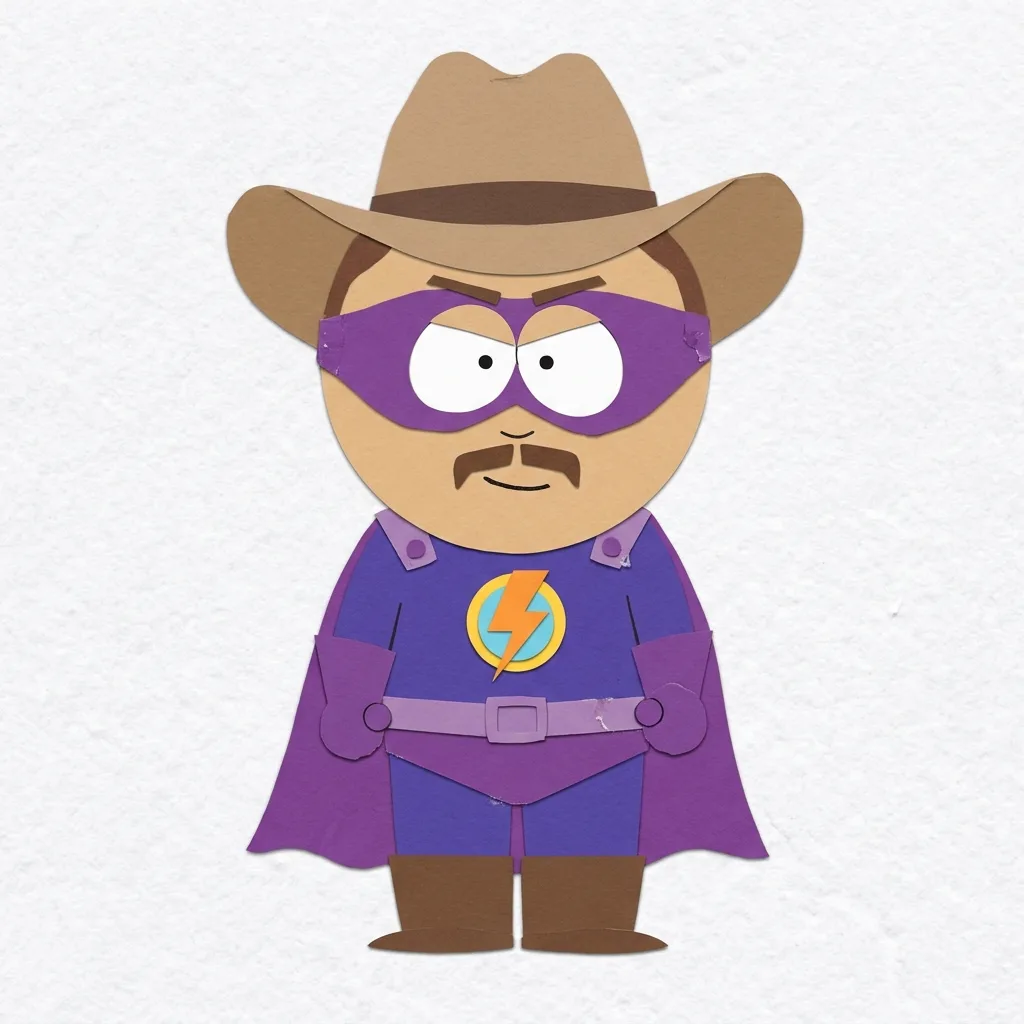
Beside puffy jackets and hoodies, the outfit row has a homemade Superhero suit with cape and mask and a Fantasy Hero kit with a cardboard sword.
South Park OC maker vs avatar builders and photo filters
Three ways people make a character for the mountain town, and what each is good at.
| This page | Drag-and-drop builders | Photo-to-cartoon filters | |
|---|---|---|---|
| What you give it | Six rows of choices and an optional note | Clicks through parts one by one | A selfie upload |
| Your photo | Never asked for | Not needed | Required |
| Control | You set the big picks, the AI draws the rest | Item by item, very precise | Mostly decided by the photo |
| Result | A new drawing each run, Show Cutout or Paper Craft | A combination from the part library | Your photo, redrawn |
| Account | None for your first three characters | Varies by tool | Varies by tool |
| Pick it when | You want a fresh character quickly | You want to place every detail yourself | You want your own face, cartoon-style |
Ways to use your new South Park OC
Square, front-facing and plain, a South Park OC maker result drops straight into these.
Profile picture
Upload the square image as-is to a fan account, a forum or a gaming profile.
Reaction images
Pick Smug, Shocked or Angry for a reaction image in your group chat. Each run draws a new townsperson, so for a matching set, have an artist adapt your favorite.
The new kid in your fanfic
Give the transfer student or the new neighbor in your story a face readers can picture.
Roleplay introductions
Post the figure with a short bio when your character moves to town in a roleplay server.
Fan server icon
A bold, flat figure on a plain background stays readable at icon size in a server list.
Making a South Park OC without a photo
The South Park OC maker never takes a picture, so the character comes entirely from the rows. Start with the type that fits your story, then the hair or hat, then the outfit and color that say who this person is in town.
Use the optional note for a few visible details: glasses, freckles, curly hair, a favorite scarf. Invent the character rather than describing a real person, and keep names, schools, addresses and other personal details out of it, because the note goes to the AI model exactly as you typed it. Each run draws a different townsperson, even with the same picks.
Tips for a better South Park OC
- Choose the character type first; Senior and the adults change the body height more than any other row.
- Let one color own the outfit; the cutout look reads best with big flat blocks.
- Pick an expression that fits how you will use it, such as Bored for a profile picture or Shocked for a meme.
- Put one or two visible details in the note, like glasses or a gap tooth, rather than a list of ten.
- Write a role, not a cast member: a hall monitor or a lunch lady works, a named character does not.
What is free, what is kept, who made it
Three characters on the house
Every visitor can make three characters free, for life, without signing up or adding a card. It is counted per device and connection.
Your input and your image
No photo is ever collected, and nothing you type trains a model. The finished PNG is stored briefly by the AI provider and there is no gallery, so save it.
Unofficial and fan-made
Not connected to the show, its creators or its owners, and not endorsed by them. South Park is named only to describe the art style.