Digital Circus OC Maker
A digital circus OC maker for original toy performers: choose the avatar, colors, prop and mood. Your first three characters are free, no sign-up.
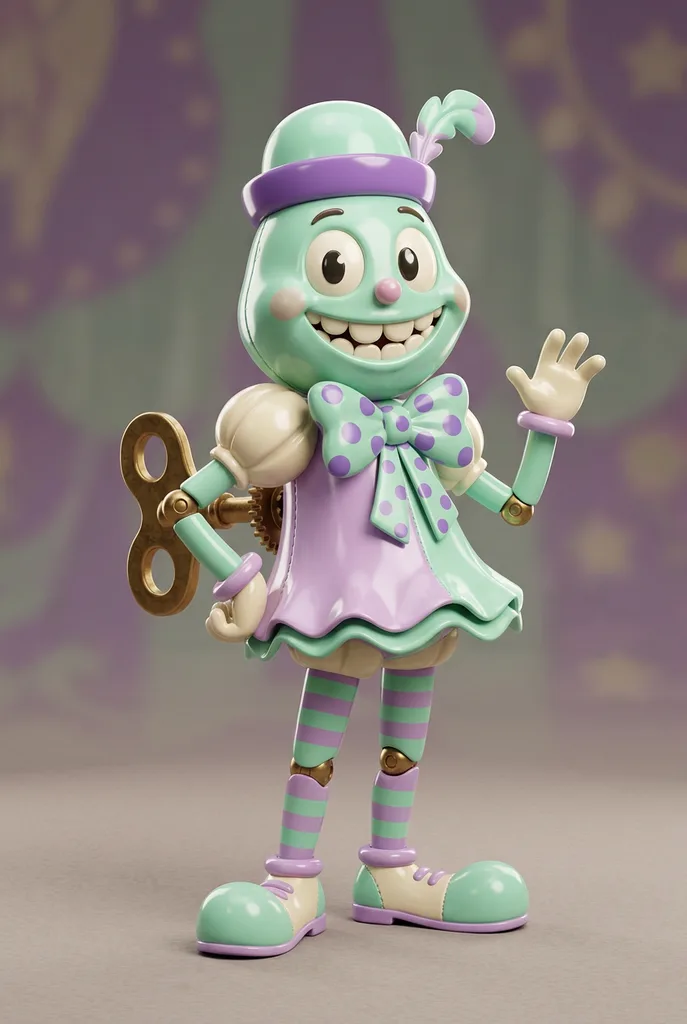
Example result. Pick your options to make yours.
Examples
How to make a digital circus OC
Five rows of buttons, one optional text box, one full-body image. Nothing to upload.
- 1
Pick a render style
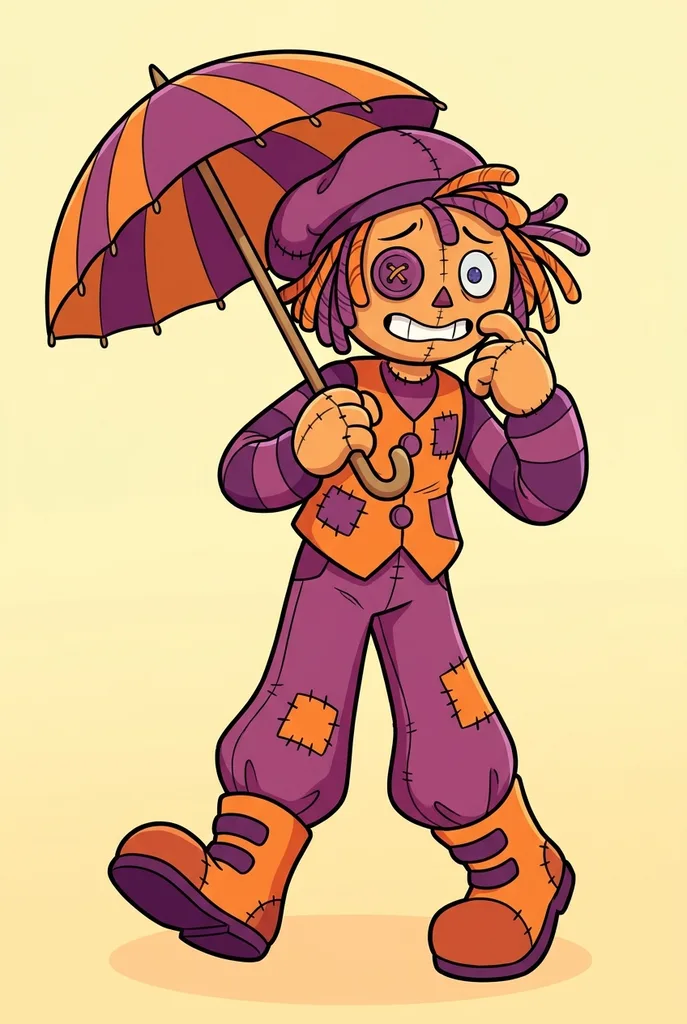
Show 3D aims for the glossy plastic look of the web series. 2D Cartoon gives bold outlines and flat color, and Chibi shrinks the body under an oversized head.
- 2
Set the four circus rows
Choose an avatar type, a color scheme, an accessory and an expression. Every row starts on a default, so you can generate straight away.
- 3
Add a quirk, then generate
Type a name or a habit in the optional box, up to 300 characters. One PNG arrives, usually in 20 to 40 seconds; download it before you leave.
What this digital circus OC maker gives you
Eight toy archetypes
Wind-Up Toy, Jester, Ragdoll, Marionette, Toy Animal, Mime, Nutcracker or Music Box Doll. Each is a silhouette you can read at thumbnail size.
Paired color schemes
Seven schemes: six color pairs, from Mint & Lilac to Circus Red & Gold and stark Black & White, plus a soft Pastel Rainbow. A pair of main tones keeps a toy design clean instead of muddy.
Three finishes to choose from
Show 3D for CGI plastic, 2D Cartoon for fan-art linework, Chibi for a big-headed sticker look. Each run draws a new performer, so pick the finish before you generate.
Asks for an original performer
The prompt asks for a brand-new performer and steers away from canon outfits, marks and color schemes. Some picks, such as a jester in red and gold, can drift close to the cast, so check your result.
Digital circus OC maker vs other ways to make one
Three common routes to a first look at your performer, side by side.
| This page | Blank-prompt AI makers | Drawing it yourself | |
|---|---|---|---|
| Where you start | Five rows of circus buttons, preset to a working default | An empty text box | A blank canvas |
| Circus-specific choices | Avatar type, color scheme, prop, expression | Whatever you think to type | Anything you can draw |
| Account | None for your first three characters | Varies by tool | None |
| Time to a first image | Usually 20 to 40 seconds | Depends on the tool | Varies with skill |
| Output | One full-body 2:3 PNG | Depends on the tool | Your own file, any size |
| Best for | Fast concepts and avatars | Free-form ideas | A final design you fully own |
Where your Amazing Digital Circus OC fits
Where people put what the digital circus OC maker draws for them.
Roleplay servers
Post the full-body image with your character intro so other players can picture your performer in a scene.
Fanfic and comics
Give a new arrival a face before you write their first day under the big top.
Art challenges
Use a result as a starting sketch for a fan art challenge, then redraw it in your own hand.
Profile pictures
The tall frame shows the whole toy. Crop the head for a round avatar on Discord or a fan account.
Drawing reference
Settle the silhouette and colors here, then keep the image beside you while you sketch turnarounds.
What makes a digital circus OC read right
The show's cast look like toys and stage props rather than people in costumes. Fans recognize a circus OC by three things: a toy material such as glossy plastic, cloth or painted wood, one bold silhouette, and a face that plays one big emotion.
The rows of this digital circus OC maker follow that recipe. Avatar type sets the silhouette and material, the color scheme sets the main colors, the accessory adds one prop people remember, and the expression carries the mood. Each run draws a new performer rather than editing the last one, so settle every row before you generate.
Tips for a stronger digital circus OC
- Pick the avatar type first; it shapes the silhouette more than any other row.
- Let the color scheme carry the design and keep extra colors out of the description.
- Match the expression to a story: Anxious for a new arrival, Deadpan for a long-timer, Overexcited for a show-off.
- Use the description for one quirk, such as a squeaky voice box or a missing button, not a whole backstory.
- Describe a role, not a cast member; naming an existing character works against the originality rules.
- Expect variety: the same choices give a different take on every run.
Free use, privacy and the fine print
Three free characters
Each visitor gets three free characters for life, counted per device and connection. No sign-up, no card.
What is sent
Nothing is uploaded. Your button picks and any text you type go to the AI model as written, so leave out personal details. Inputs are not used for training.
Save your PNG
There is no account and no gallery. The AI provider keeps the result for a limited time only, so download it right away.
Unofficial fan project
Not affiliated with, endorsed or sponsored by the show or its owners. The series name only describes the art style.